Supercar Live Wallpaper 4K
Every new tab becomes a high‑octane dashboard. Stunning 4K video backgrounds, HUD stats, voice commands, and futuristic cursor effects — all in one extension.
No sign‑up. Data stays on your device.
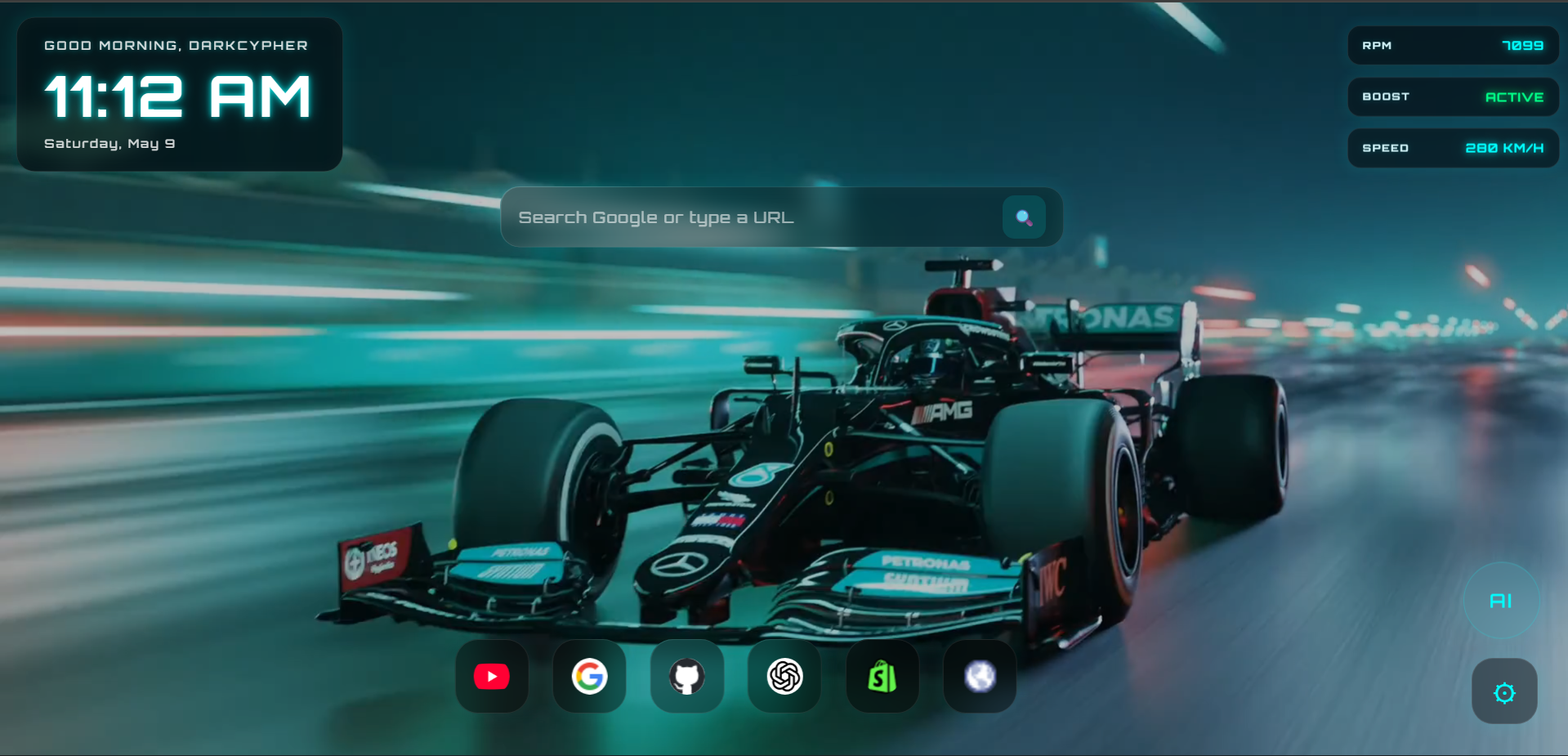
Every new tab becomes a high‑octane dashboard. Stunning 4K video backgrounds, HUD stats, voice commands, and futuristic cursor effects — all in one extension.
No sign‑up. Data stays on your device.
Everything you need for a futuristic new tab experience.
Switch between Formula Racing or Matrix loops. Buttery‑smooth animated backgrounds every time you open a tab.
Settings → Wallpaper dropdown.
Personalised “Good Morning, Driver” with live clock and date. Your name stays local.
Search Google or type any URL – the bar detects addresses automatically.
Animated RPM and speed gauges give you that race‑car cockpit feel.
Click the glowing AI orb and speak commands. Your voice is processed by Google’s speech‑to‑text (no audio stored).
Your favourite websites at the bottom with hover lift effect. Add, remove, or reorder shortcuts.
+ to add apps× to removeChange them via settings or voice command “Neon particles”.
Move widgets anywhere using the ⠿ handle in Customize Mode.
Pull the right edge of any widget to scale it up or down.
Show/hide clock, search, stats, and dock from settings panel.
All preferences save automatically and sync across your local browser.
Coming to the Chrome Web Store. After installing, simply open a new tab and the dashboard appears instantly. No configuration needed.
Available SoonEverything (name, layout, dock apps) is stored only on your device. The optional voice feature uses Google’s speech engine – no audio is recorded.
Read full Privacy Policy →